Searching for the best free online form builder in 2024? We've got you covered!
Whether you're a developer, business owner, or marketer, finding the best free online form builder for collecting data and engaging users is crucial. Building online forms has never been easy, but with these free online form builders, which offer powerful customisation options - all free of cost.
Whether you are capturing leads, conducting surveys, or collectimg customer feedback, these tools provide everything you need to create sleek, efficient forms.
With our guide, to best free online for builder, you'll discover how easy it can be to design and share forms.
Best 13 Free Form builder Online
Features to look in a Form Builder
Selectig a form builder can be daunting with so many options available.From user-friendly interfaces to advanced customisation and integration options, knowing the key features to look for is necessary.
Hence, to streamline your form data management and creation. Here are some key features to look for while selecting the best free form builder.
Best 13 Free Form builder Online
| Form Builder | Best For | Pros | Cons |
|---|---|---|---|
| Duonut | A user-friendly form builder, ideal for businessess that need to create forms quiclkly. | Easy drag-and-drop feature | Free plan has limitations |
| Google Forms | A simple and intuitive form builder, ideal for creating basic surveys and forms. | Completely free, with seamless integration with other Google tools. | Limited customizable options |
| JotForm | Suitable for complex forms and collecting data. | Vast template library | Can be complex for beginners as it has extensive feature set |
| Feathery | Ideal for businessess that creates and focuses on design | Wide range of integrations with other applications | May not be suitable for complex forms |
| TypeForm | Ideal for creating integrative forms | Offers wide range of customizable options | Free plans has limited features |
| CognitoForms | Suitable for conditional logic and complex calculationswith payment integrations | Offers unlimited forms on the free plan | Limited customizable options |
| Zoho Forms | A compressive form builder that collects and analyze data efficiently | Provides robust analytics and reporting tools | Can be complex for beginners as it has extensive feature set |
| Microsoft Forms | A simple and intuitive from builder for businessess that use Microsoft products | Integrated with Microsoft Office | Not suitable for large-scale data collection |
| Formsite | A versatile form builder for professional-looking forms | Strong security features | Can be more expensive for advanced features |
| Wufoo | A versatile form builder for businessess that collects and analyze data in depth | Offers advanced analytics and reporting features | Free plan has limitations and can be expensive for advanced features |
| Ninja Forms | WordPress specific users, who needs to create froms and surveys | Wide range of customisation | May not be versatile for non-WordPress users |
| Paperform | Ideal for businessess that creates both functional and visually appealing forms | Minimalist design with a wide range of customisation options | Free plan has limitations and may not be suitable for complex forms |
| Formstack | Ideal for businessess that handles sensitive data | Strong security feature with wide range of integrations | Free plan has limitations and can be more expensive for advanced features |
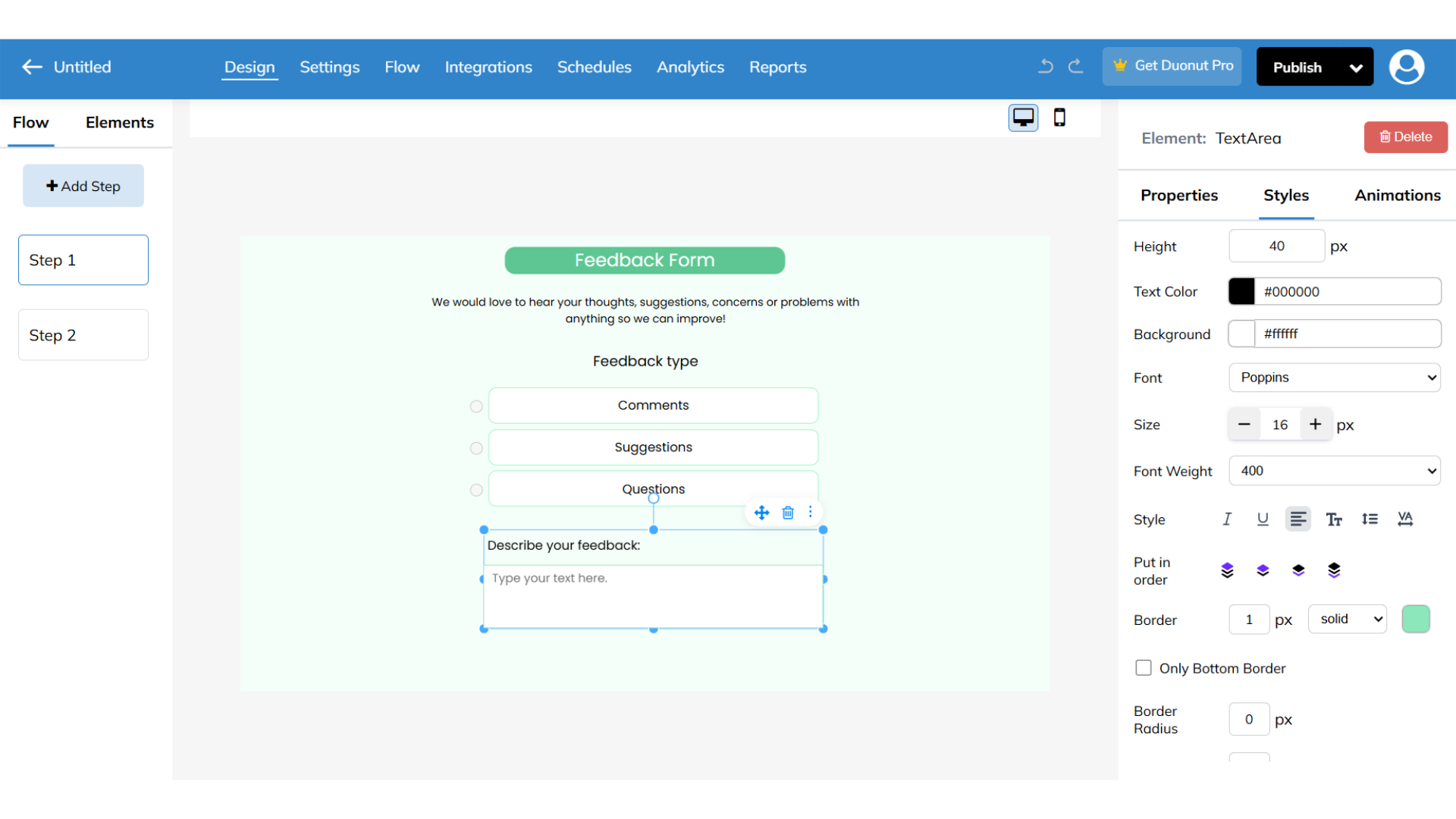
Duonut standsout for it's AI generated contextual questions in minutes. You can quickly create any workflows,forms, surveys for free, which enhances the user-experience. You can design your basic forms to landing pages and can easily embed them onto your website or can also share it via import links, you can also share your designs with your team via QR code. It offers to view your designs before publishing it and check how the workflow is going on.
Duonut pros-
Duonut cons-
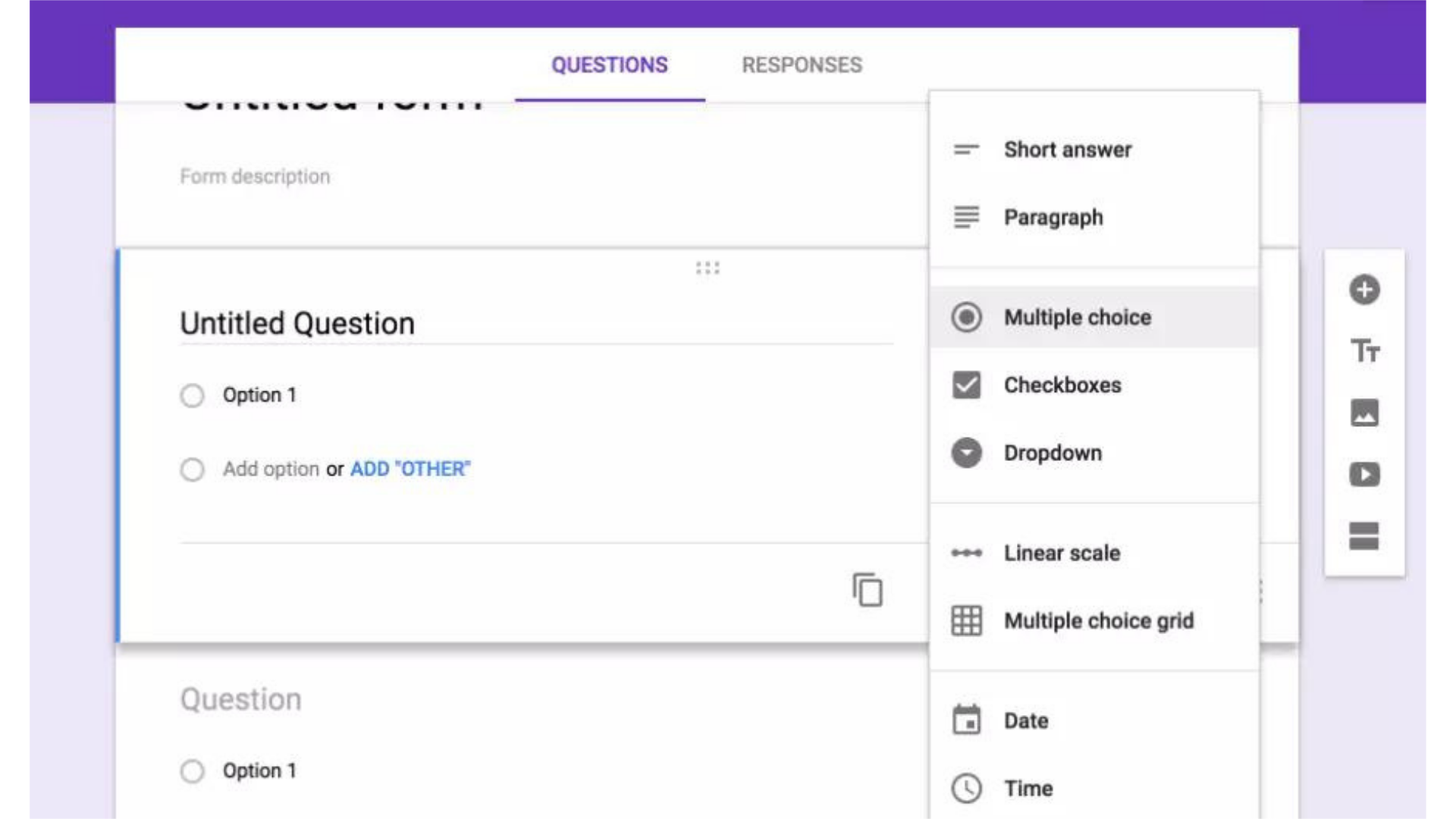
Google Forms is a popular and versatile tool for creating surveys, forms and quizes easily. With features like real time response collection through Google Sheets integration makes it ideal for both personal and proffesional use. Building a form in Google Forms is easy, even this is your first time building a form, you can easily add various question types based on your specific needs. You can share your form by simply clicking on 'Send' button, and choose how you want to distribute it.
Google Forms pros-
Google Forms cons-
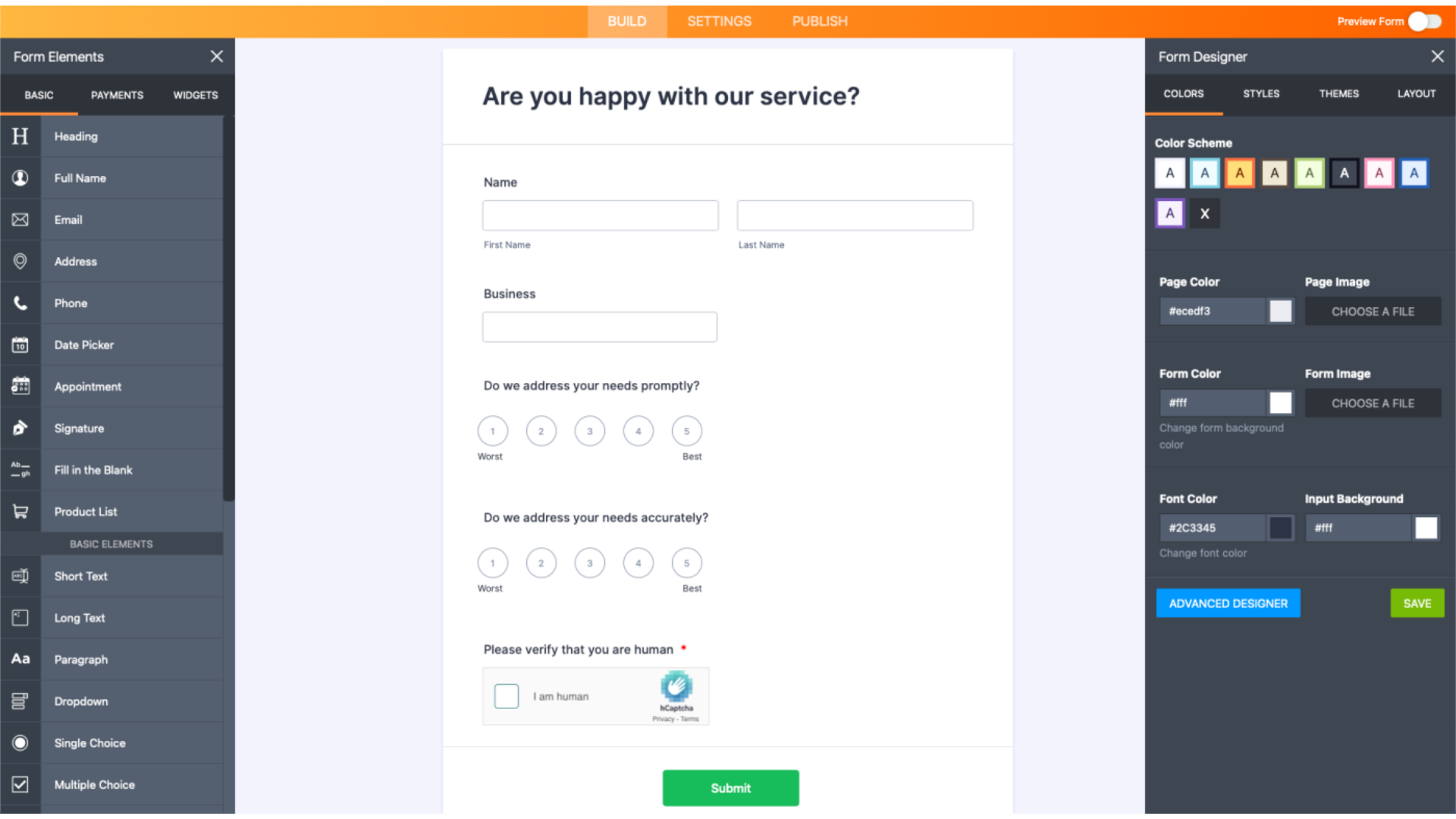
Jotform has a massive template library, from where you can pick your desired template and customise it according to your nccessities, it also provides CSS editor to code and meet your specifics. Jotform provides numerous seamleass integrations with a wide range of payment platforms, also lets yuo add widgets to your forms - such as signatures with Adobe scan, image slider and many more. Jotform helps you to download the entire source code to add it in your website.
JotForm pros-
JotForm cons-
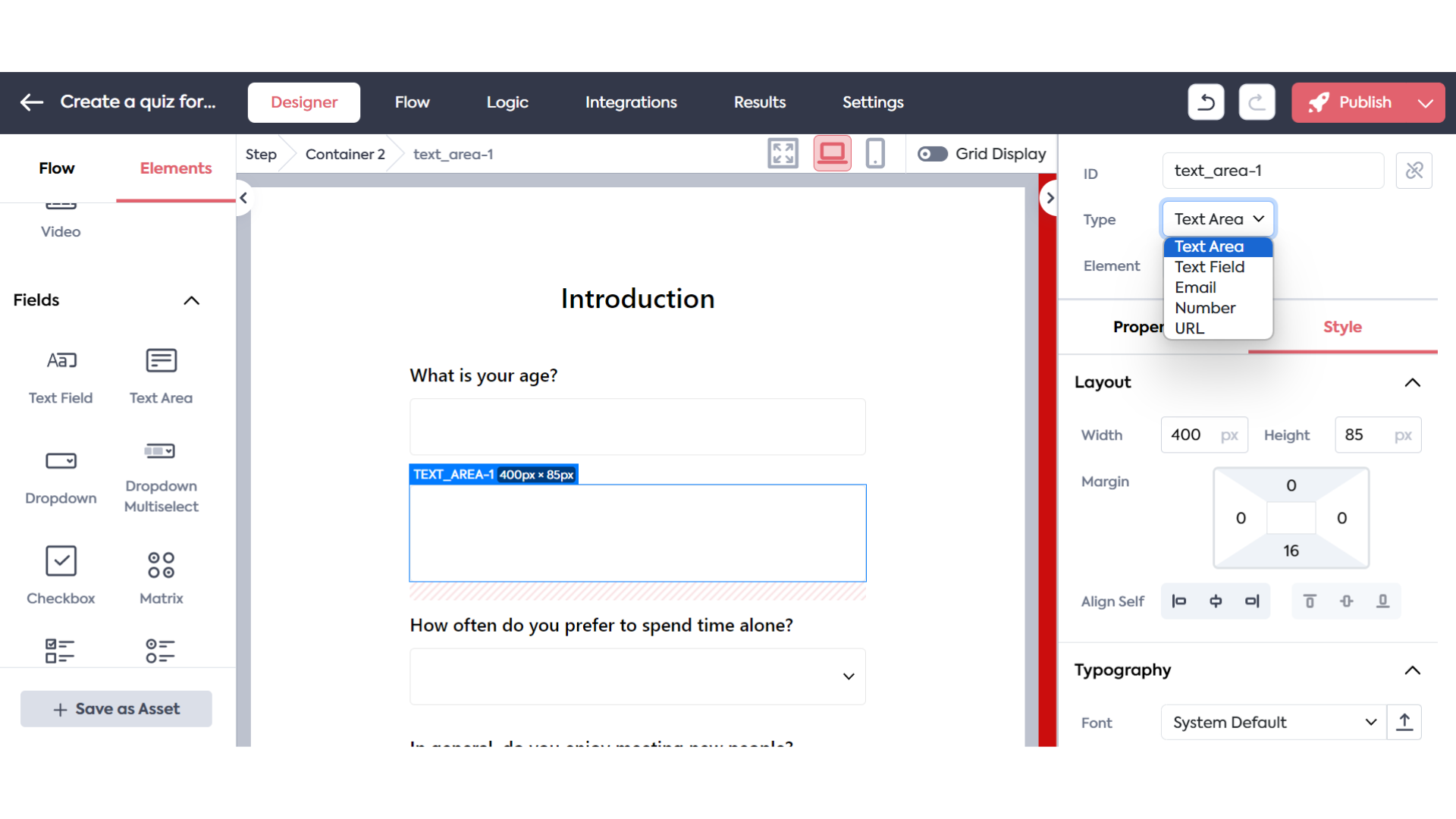
Feathery empowers the businesses to manage data collection and automate processes withoutthe need for coding expertise. Besides simple data collection, it also helps you connect scattered databases, and performs validation as viewer interacts with the form. Feathery's robust security measures ensures that sensitive data is protected. Having seamless integrations with third-party tools enables users to build complex and dynamic forms with conditional logic along with real-time collaboration.
Feathery pros-
Feathery cons-
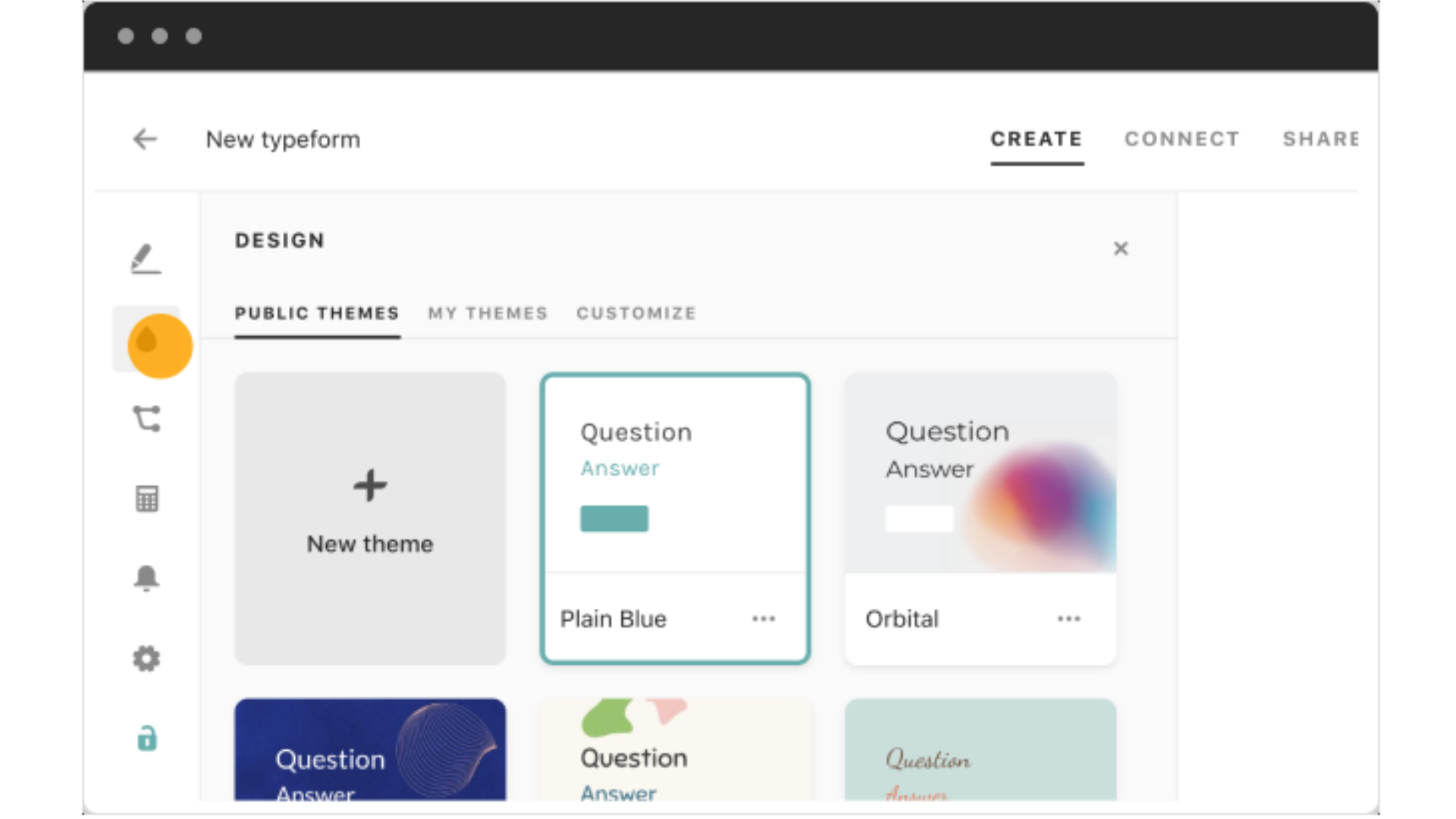
Typeform is mostly popular for it's ability to create visually appealing forms without any coding knowledge.Typeform also offers various built-in templates with drang-n-drop featuer along with numerous customization options, hence, allowing their users to build the forms according to their needs. Having buil-in analytics, users can track the insights and optimize engagement. Having integrations like Slack, Mailchimp, hence making data collection and management easy.
TypeForm pros-
TypeForm cons-
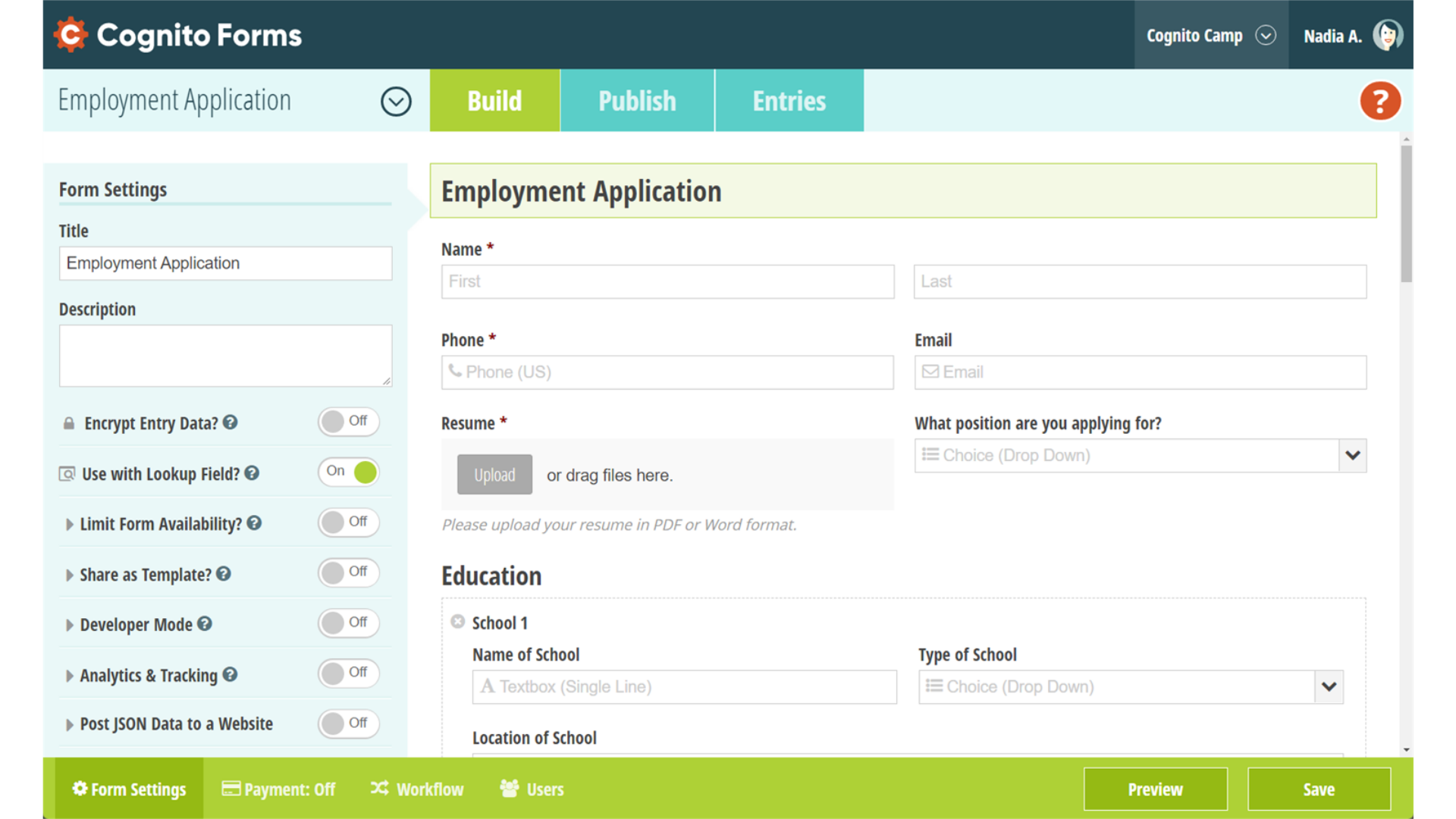
Cognito Forms stands out for it's conditional logic which enables forms to adapt based on users responses, hence providing a more personalized experience. Cognito forms also supports a wide range to features such as - data collection, payment processing and workflow automation, making it ideal for a variety of forms. It is widely known for security being it's top priority, with robust measures like data encryption to protect user's information.
CognitoForms pros-
CognitoForms cons-
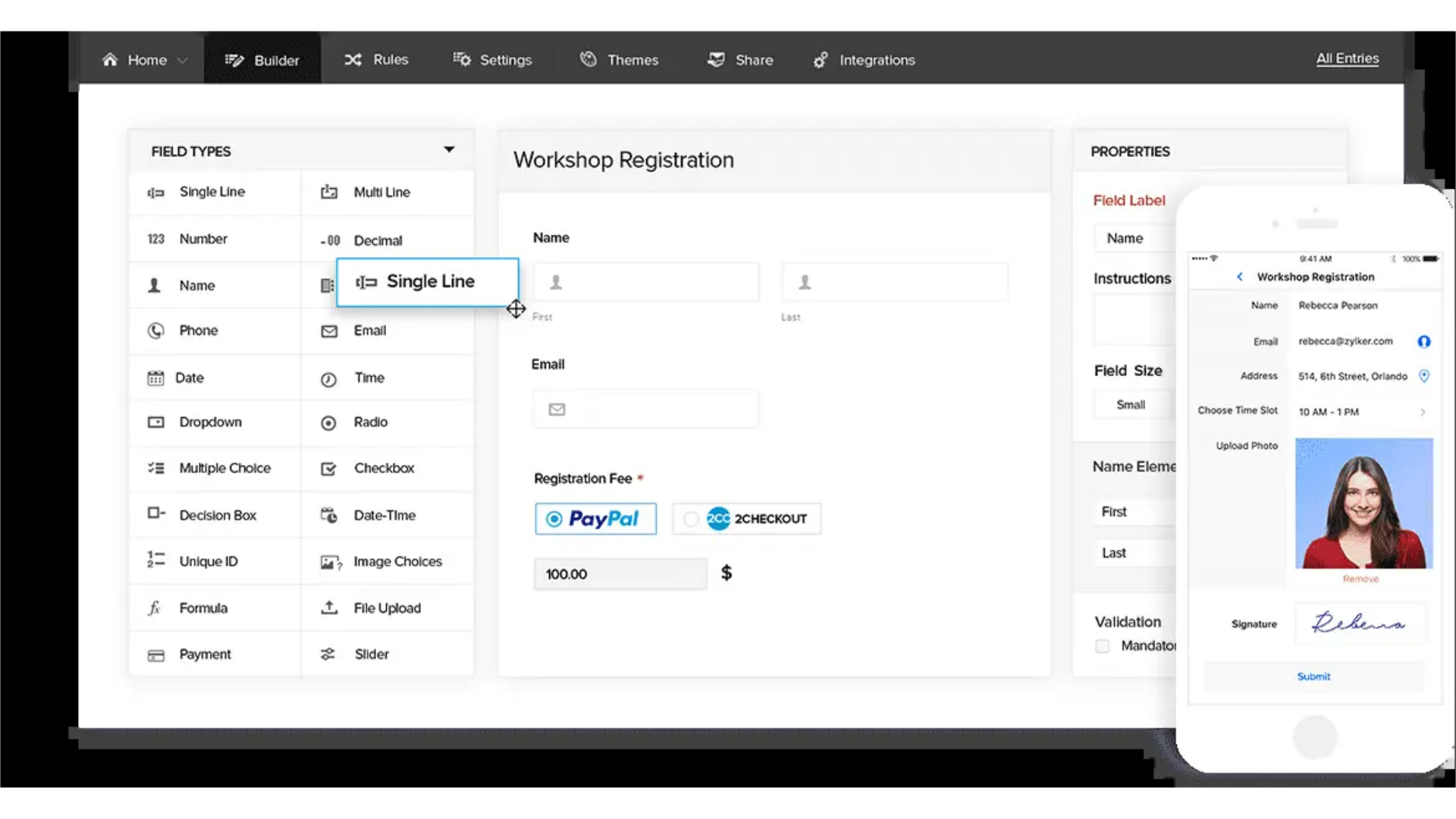
Zoho forms provides extensive reporting tools and form analytics to track submission and enganement with variety of features such as - multi-page forms, conditional logic and feild validations, hence making it suitable for diverse personal and business needs. Zoho forms are accessible on both mobile and web screens, which allows users to manage forms and allows offline data collection, making it ideal for the teams.
Zoho Forms pros-
Zoho Forms cons-
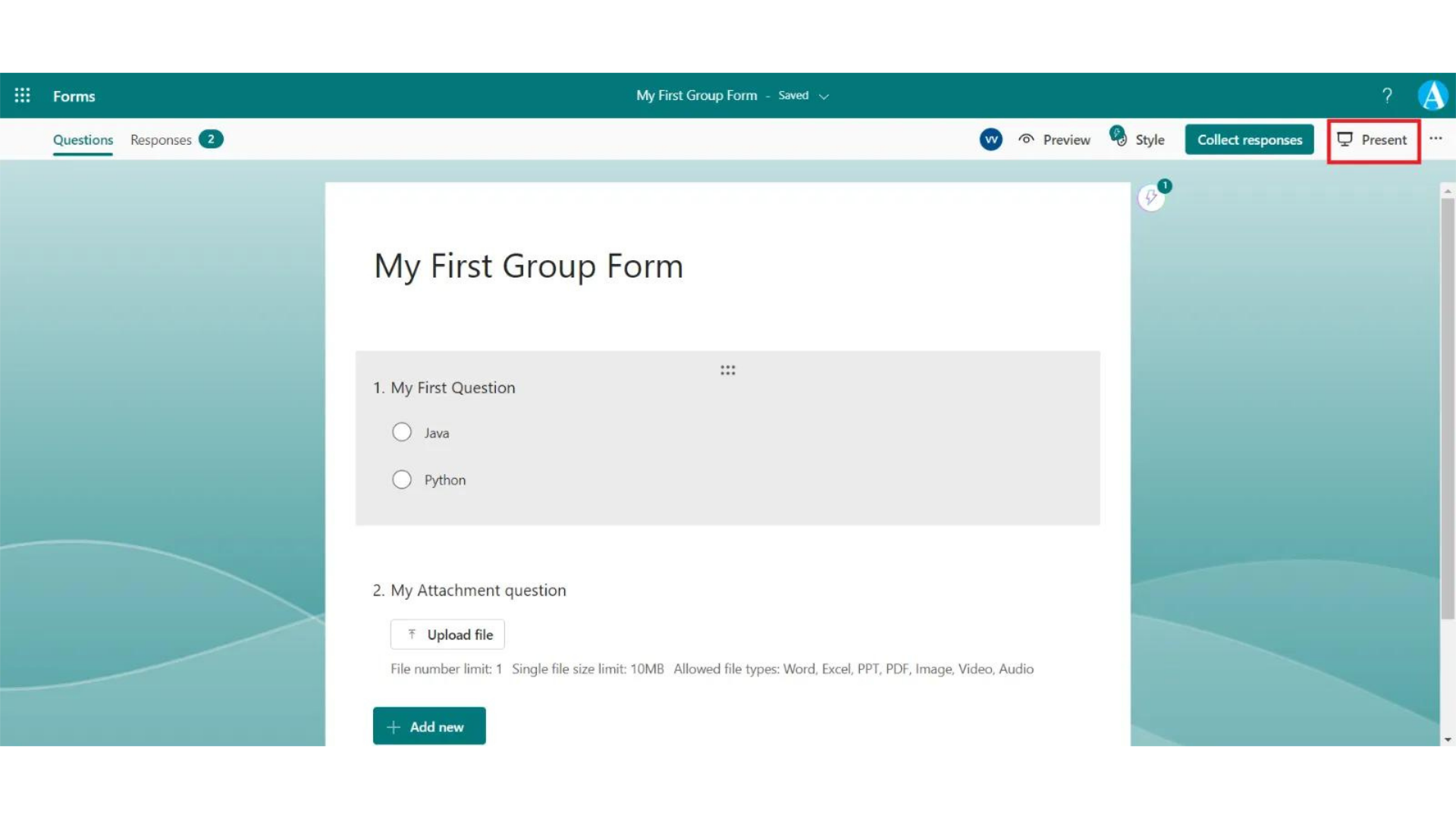
Microsoft forms helps you design forms using various themes, question type and branching logic to meet your specifics. Microsoft forms supports real time collaboration including multiple users work on a form simultaneously, hence can track responses and analyze results. It supports seamless integration with other Microsoft applications, with efficient data collection and analysis. It is also mobile responsive and are easily shareable.
Microsoft Forms pros-
Microsoft Forms cons-
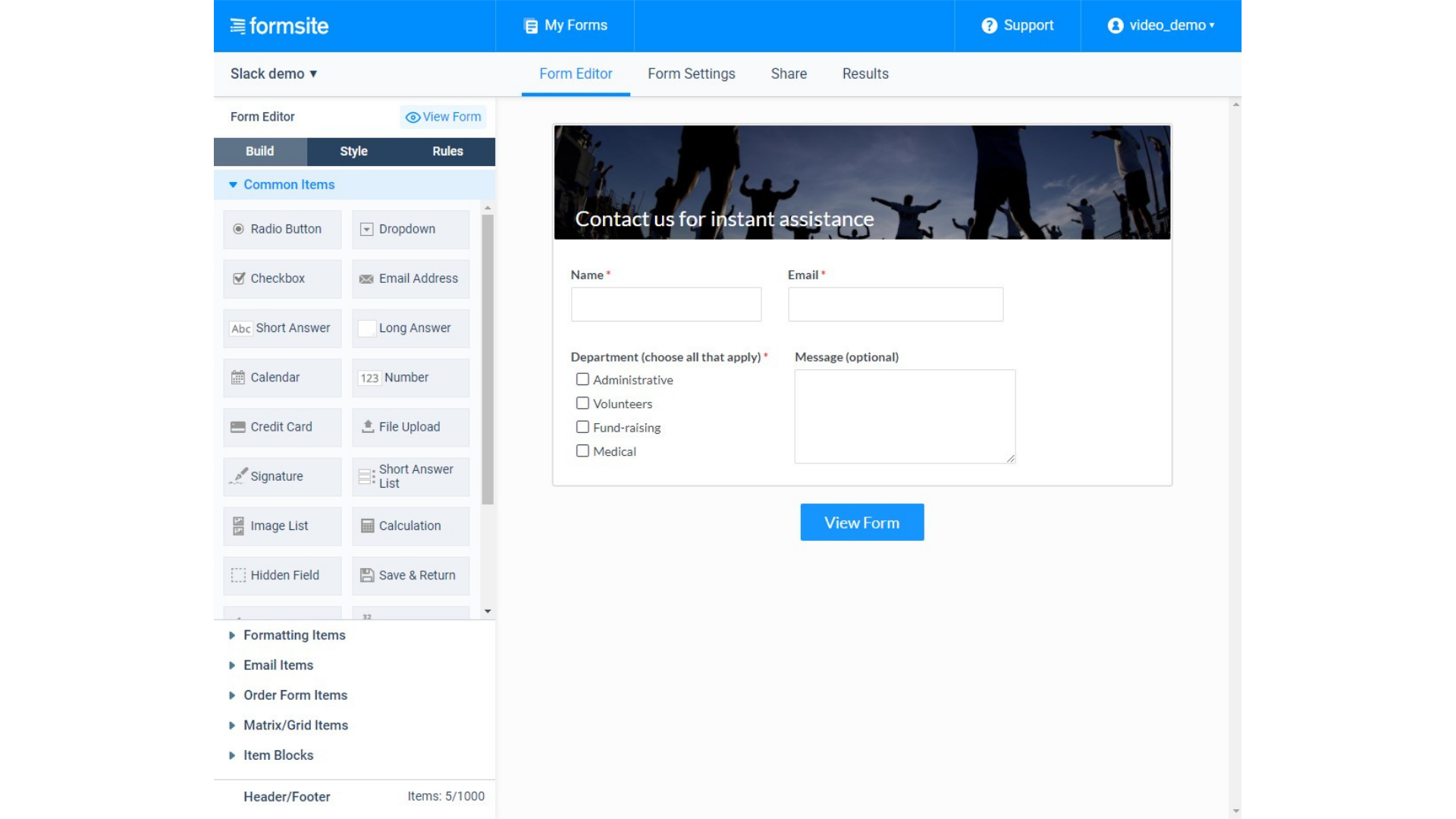
Formsite provides a wide range of features, including over 100 customizable templates and questions types, which makes it suitable for various applications. It is a comprehensive online form builder which enables users to create professional workflows with ease. It has seamless integrations of third-party serices such as - PayPal, Stripe, Authorize.net, Google Drive and Salesforce, to enhance payment proccesses and data management. .
Formsite pros-
Formsite cons-
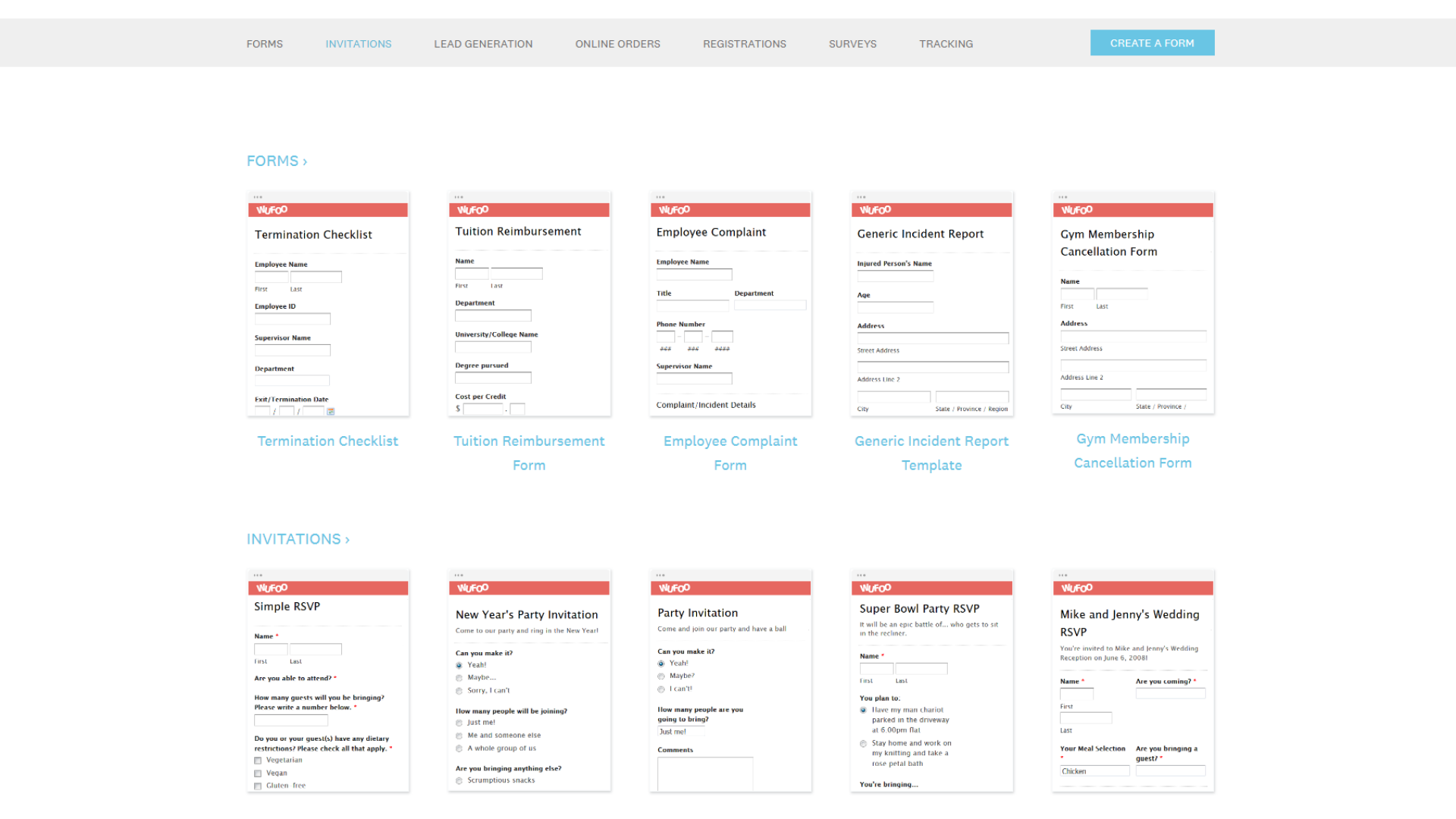
Wufoo is mostly ideal for small business and indiviuals looking for efficiency and quick data collection. It's extensive library of over 400 templates and advanced features such as - file uploads and signing documents, have made free online builder efficient. It also supports payment integratons through PyPal and Stripe, hence making it suitable for e-commerce. It also has basic analytics to helpyou track form submission along with strong security measures.
Wufoo pros-
Wufoo cons-
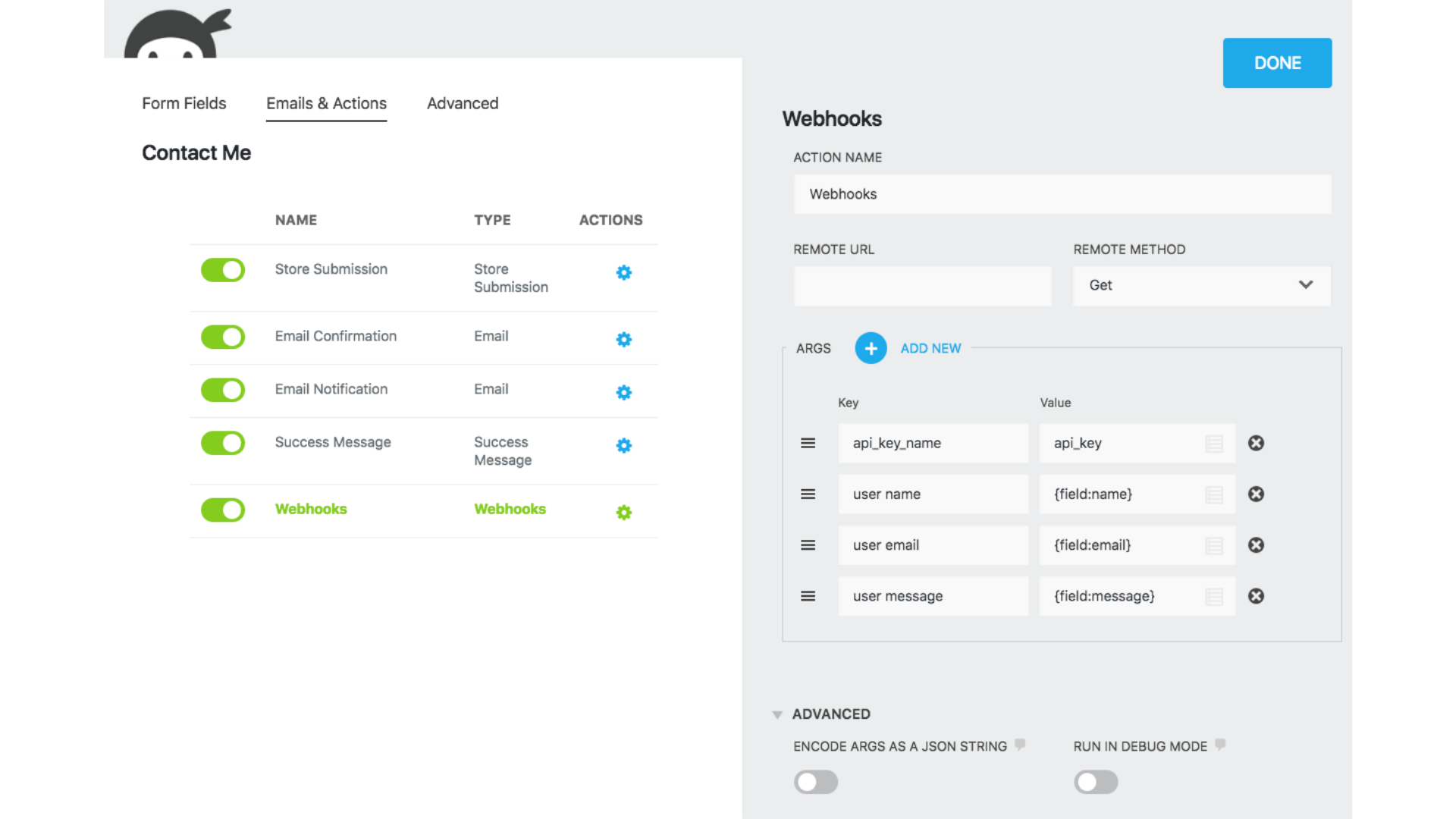
Ninja form is the most poppular WordPress free online form builder plugin designed to create custom forms without any coding knowledge. It offers a wide range of features such as - file uploads, conditional logic and many more for building registration forms, contact forms, etc. The seamless integrations of third party applications makes it more efficient and easy to use to meed the neccessities of your brand.
Ninja Forms pros-
Ninja Forms cons-

Paperform offers dynamic features with comprehensive customization options, hence allowing users to easily insert media elements, which enhances the user experience. Having standout features such as - coupon support and custom pricing, with it's seamless integration of wide range of popular tools and platforms. Having productivity tools like Google Sheets and Slack to payment gateways like Stripe and PayPal. It also offers some features like, you can show or hide a question based on the previous question.
Paperform pros-
Paperform cons-
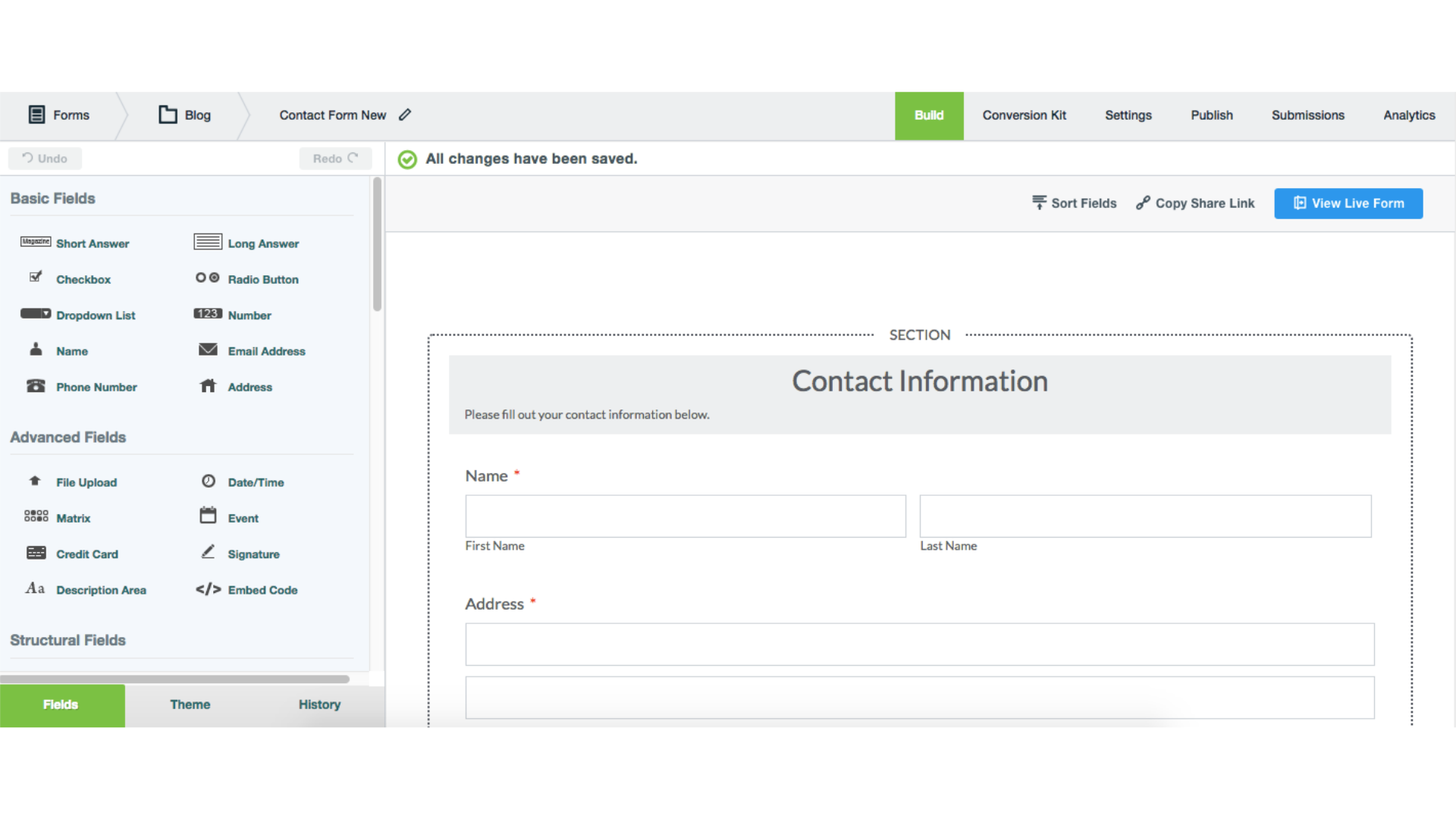
Formstack offers ability to browse indiviual submissions, and you can configure charts to check out data visually. Incase you haven't completed the form, it helps the user's to save their progress and submit later after completing. It also helps you analyze how many viewers have submitted the form and how many have viewed it. It ensures data security with HIPAA complaince for healtcare organizations.
Formstack pros-
Formstack cons-
Frequently Asked Questions
What free form builder accepts payments?
+
What is the best free form maker?
+
How to make a form visible to visitors?
+
Which is the simplest form builder?
+
Which is the best free drag n drop form builder?
+